Matériel
Élégant sur le comptoir.
Increvable un vendredi soir.
POS& tourne sur les appareils que votre équipe connaît déjà : iPad et iPhone, tablettes et téléphones Android, l'application de bureau Windows et Mac, et tout navigateur web. Ajoutez les imprimantes testées dans une vraie cuisine, et vous êtes prêt pour le service.
Tablettes, téléphones, ordinateurs et imprimantes, configurés pour POS&.
- iPad
- Tablettes Android
- Windows et Mac
- iPhone et téléphones Android
- Tout navigateur web
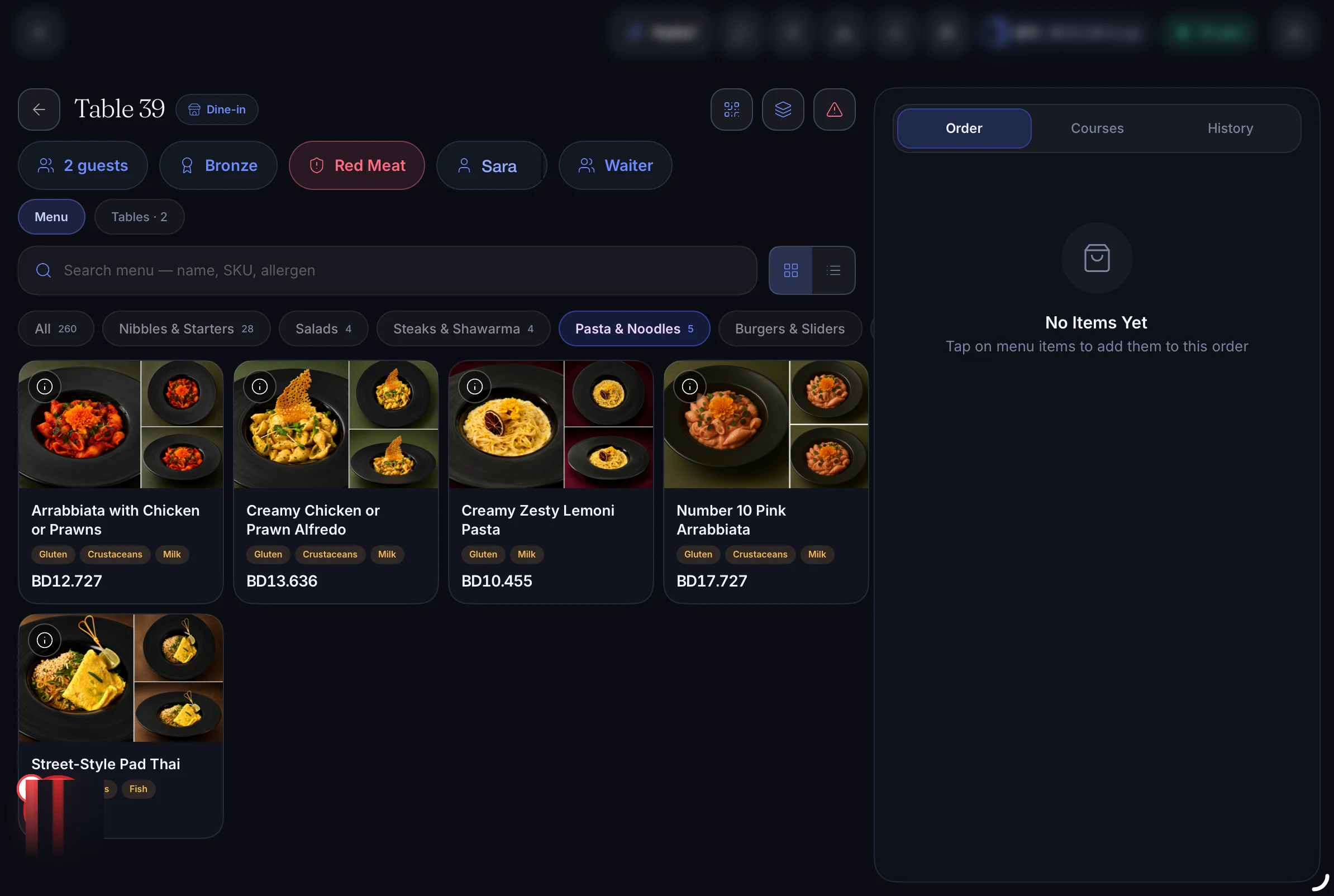
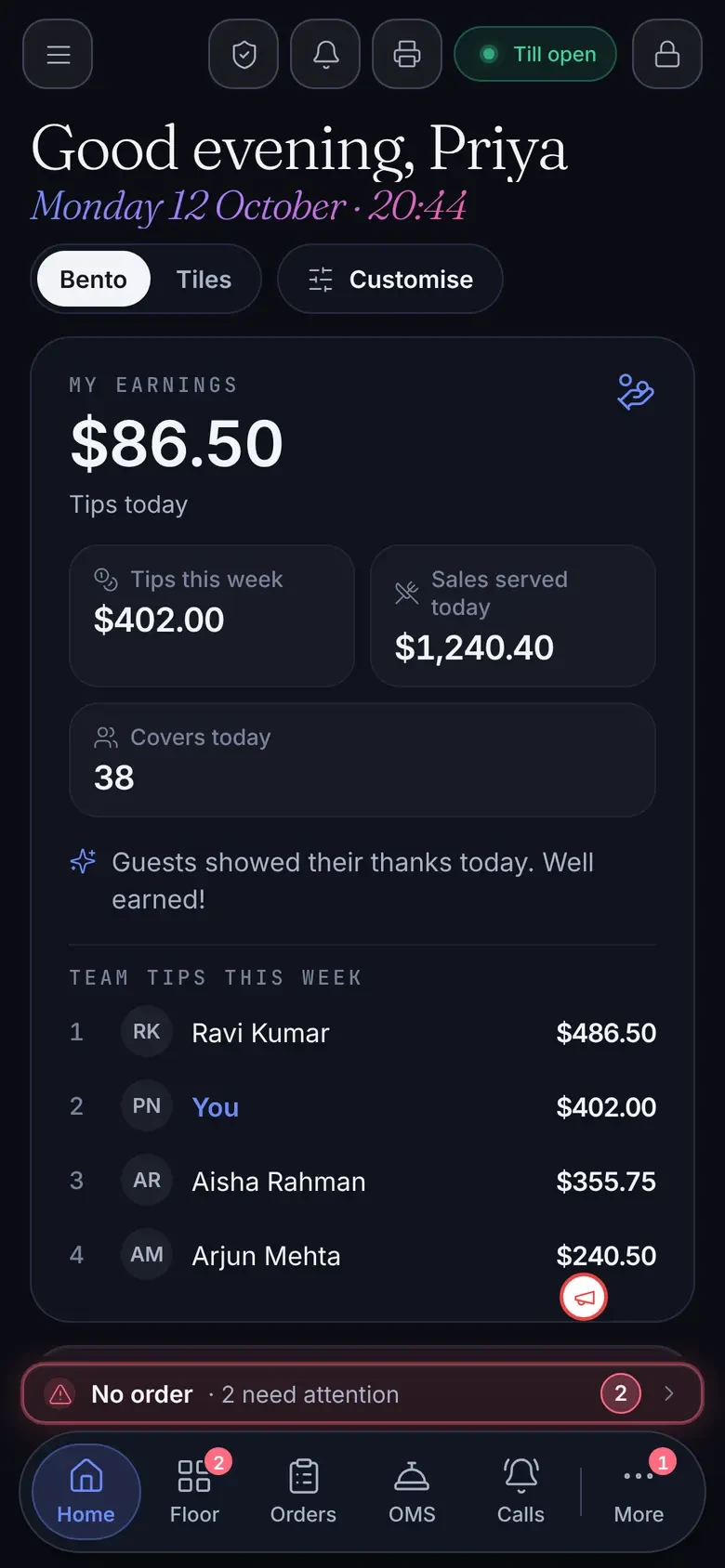
L'équipement
iPad ou tablette Android
La caisse, le passe et l'accueil.
iPhone ou téléphone Android
Commander à table, envoyer depuis la salle, encaisser.
Imprimantes cuisine et tickets
Epson et Star, routées par poste.
Votre téléphone
C'est aussi le scanner de codes-barres pour les inventaires et les livraisons.
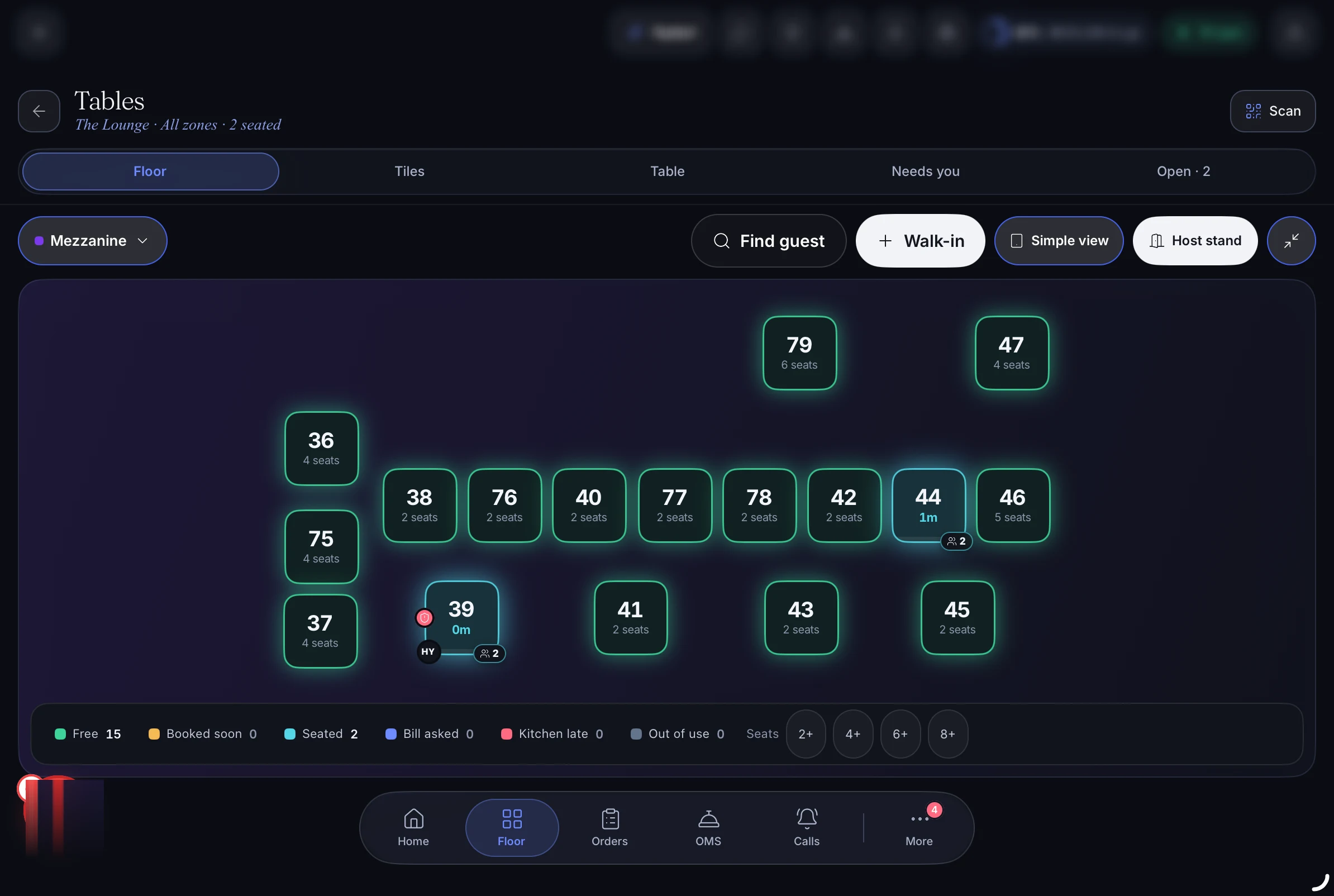
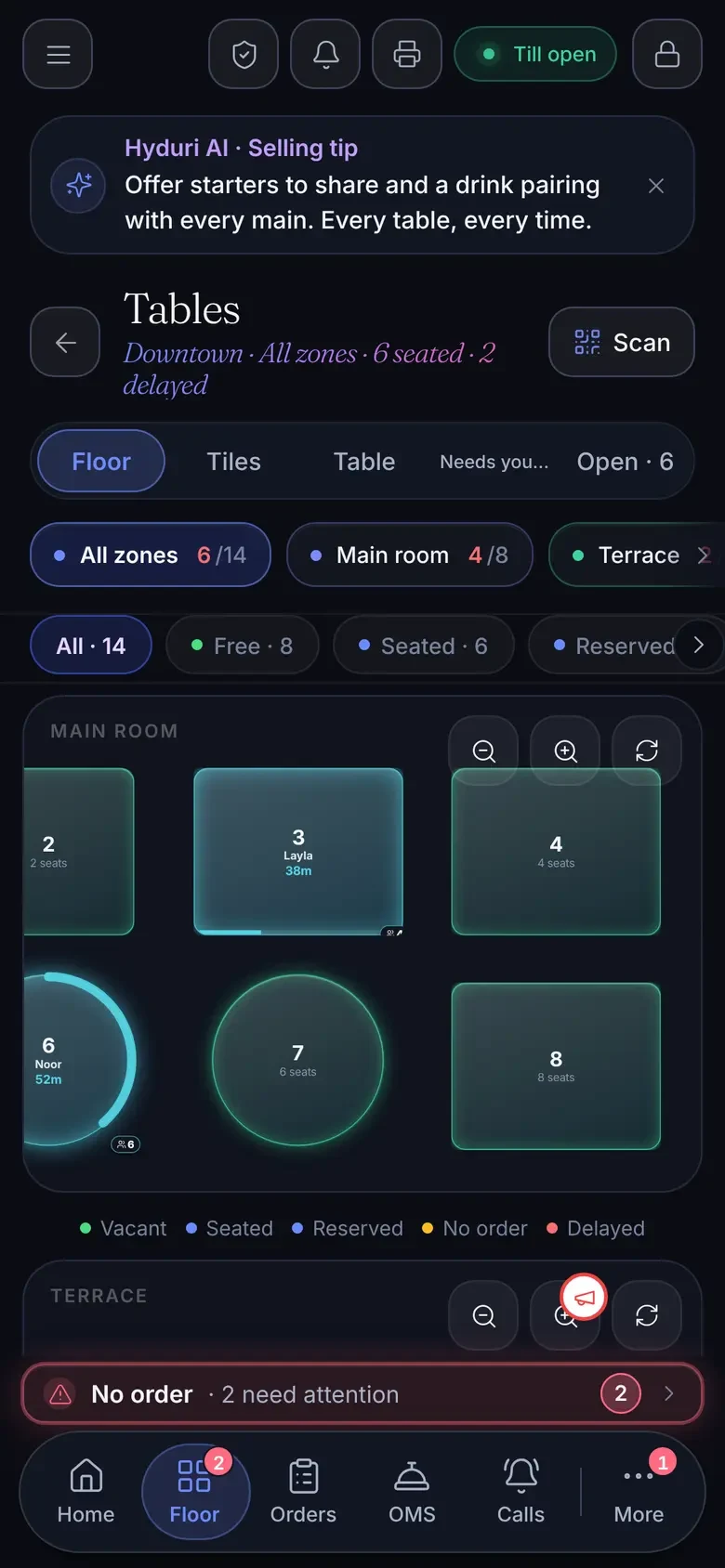
Apportez le vôtre
Vous avez déjà des tablettes, des téléphones ou un ordinateur ? Parfait.
Vous n'êtes pas obligé de nous acheter quoi que ce soit. Si vos appareils et imprimantes sont compatibles, POS& tourne dessus. Demandez à Hyduri lesquels.
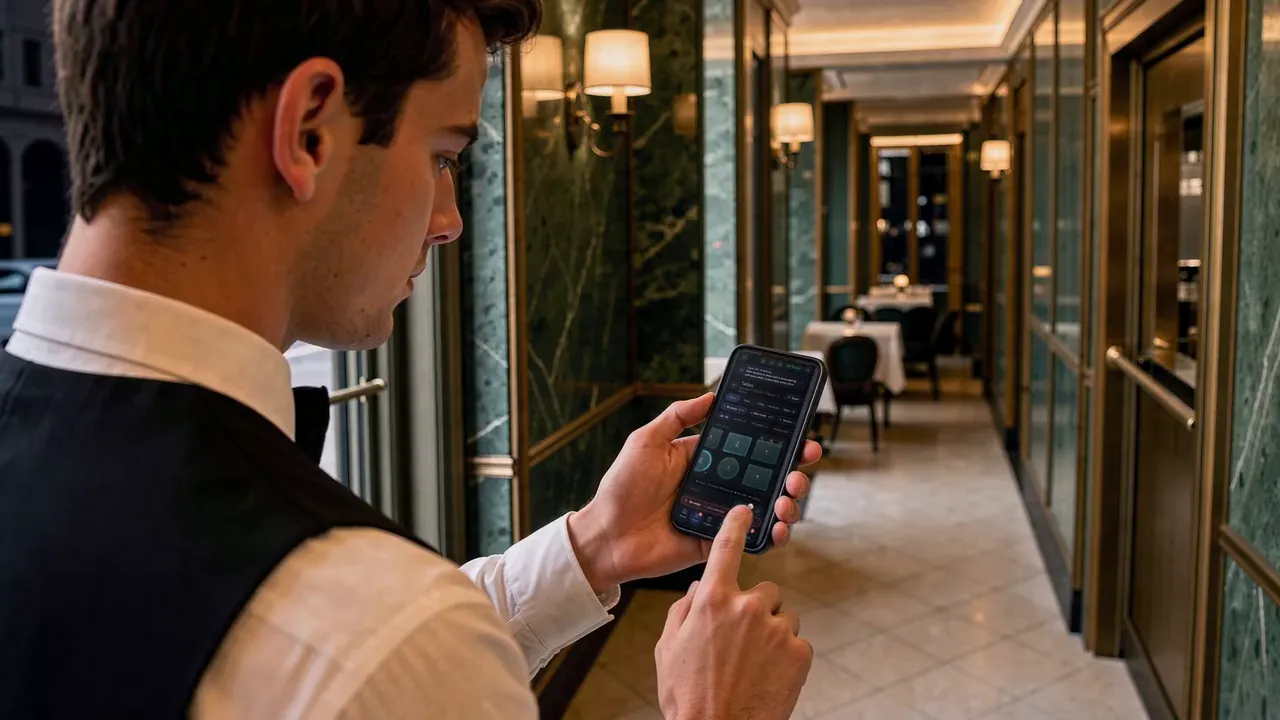
Prêt pour le service, pas pour l'informatique.
EnsuiteTarifsLes formules, dans votre devise.Centre d’aide
Le matériel, les réponses.
Can I use my own iPad?
Yes. You don't have to buy anything from us. If your iPad is supported, POS& runs on it.
POS& runs on iPad and iPhone, Android tablets and phones, the Windows and Mac desktop app, and any web browser. Printing to the kitchen network and full offline run on the native apps. The iPad and iOS versions we support are the current iPadOS and iOS and the version before; the App Store shows the minimum for your device. Ask Hyduri if you're unsure about a model.
Étape par étape
- Check your iPad model and iOS version in Settings, General, About.
- Install POS& from the App Store.
- Sign in with your organisation code (from the welcome email), then your phone and PIN.
- Connect your printers on the same network.
Can I use my existing printers?
Yes, if they are Epson (ePOS or Server Direct Print), Star CloudPRNT or ESC/POS network printers.
Most kitchen and receipt printers bought in the last few years are one of these. Printers on your network are found for you, routed by station (kitchen, bar, pass), with a backup printer if one goes down. Print from anywhere (a printer on another network) is switched on when you connect your own account.
Étape par étape
- Connect the printer to the same network as your tablets and phones (cable or Wi-Fi).
- Open Settings, Printers, and let Rescom find it.
- Choose which stations print to it.
- Set a backup printer.
- Print a test ticket.
Which devices and printers are supported?
POS& runs on iPad and iPhone, Android tablets and phones, the Windows and Mac desktop app, and any web browser; the back office in any modern browser; Epson, Star CloudPRNT and ESC/POS network printers. Your phone is also the barcode scanner.
Exact models and minimum versions: listed in the app under Printers and hardware, and our team checks your models before you go live. Cash drawers connect through the receipt printer. Card readers come with the integrated terminal, which is coming; today you use your own card terminal and record the approval on POS&.
Can I buy hardware from Rescom?
Yes. The hardware shop (tablets, printers, cash drawers, scanners, handhelds) is being set up for the launch. Until then our team quotes the hardware you need with your plan.
Everything in the shop is tested with POS& in a real kitchen. Ask for a quote when you start your trial and we will put together the kit for your floor. See Hardware.
What if a device breaks on a Friday night?
Service keeps going: any other tablet, phone or computer running POS& takes over, tickets route to a backup printer, and nothing is lost. Replacement: next working day where stock allows.
Orders that have synced live on the server, so a broken tablet loses nothing that has been sent; sign in on another device and carry on. If a printer stops, its tickets wait in the queue and print once (never twice) when it is back, or go to the backup printer. Tell Hyduri or a person and we will help you get going again.
Does POS& work offline?
Yes. In the native POS& app, the till keeps taking orders and payments when the Wi-Fi drops, and syncs back in order when it returns.
Everything is queued and replays once, in order, when the connection is back. Kitchen tickets keep printing on the local network. The web build in a browser has a lighter offline mode.
Card payments need your card terminal's own connection.
Does POS& run on Android, Windows or Mac?
Yes. POS& runs on iPad and iPhone, Android tablets and phones, the Windows and Mac desktop app, and any web browser.
It is the same POS& on each, with one menu, one floor and one team in sync, so a venue can mix devices. The back office runs in any modern browser on any computer or tablet. The web build of POS& has a lighter offline mode than the native apps.
Do you supply card readers?
The integrated terminal and Tap to Pay on iPhone are coming. Today, card payments run on your own card terminal and staff record the approval on POS&.
Card readers will come with the integrated terminal when it is released. Until then, keep the terminal you have; Rescom records every tender on the bill (cash, card, gift card, voucher, house account).
Une question ? Demandez à Hyduri ou écrivez-nous.